
Appearance
Installation
Install from the Plugin Store in the control panel, or with Composer:
bash
composer require suprim/cron-guard
php craft plugin/install cron-guard
That's all it needs to start recording. The next time cron runs a Craft command, it appears under Utilities → Cron Guard.
Add where alerts go
Go to Settings → Plugins → Cron Guard and fill in one or more of these:
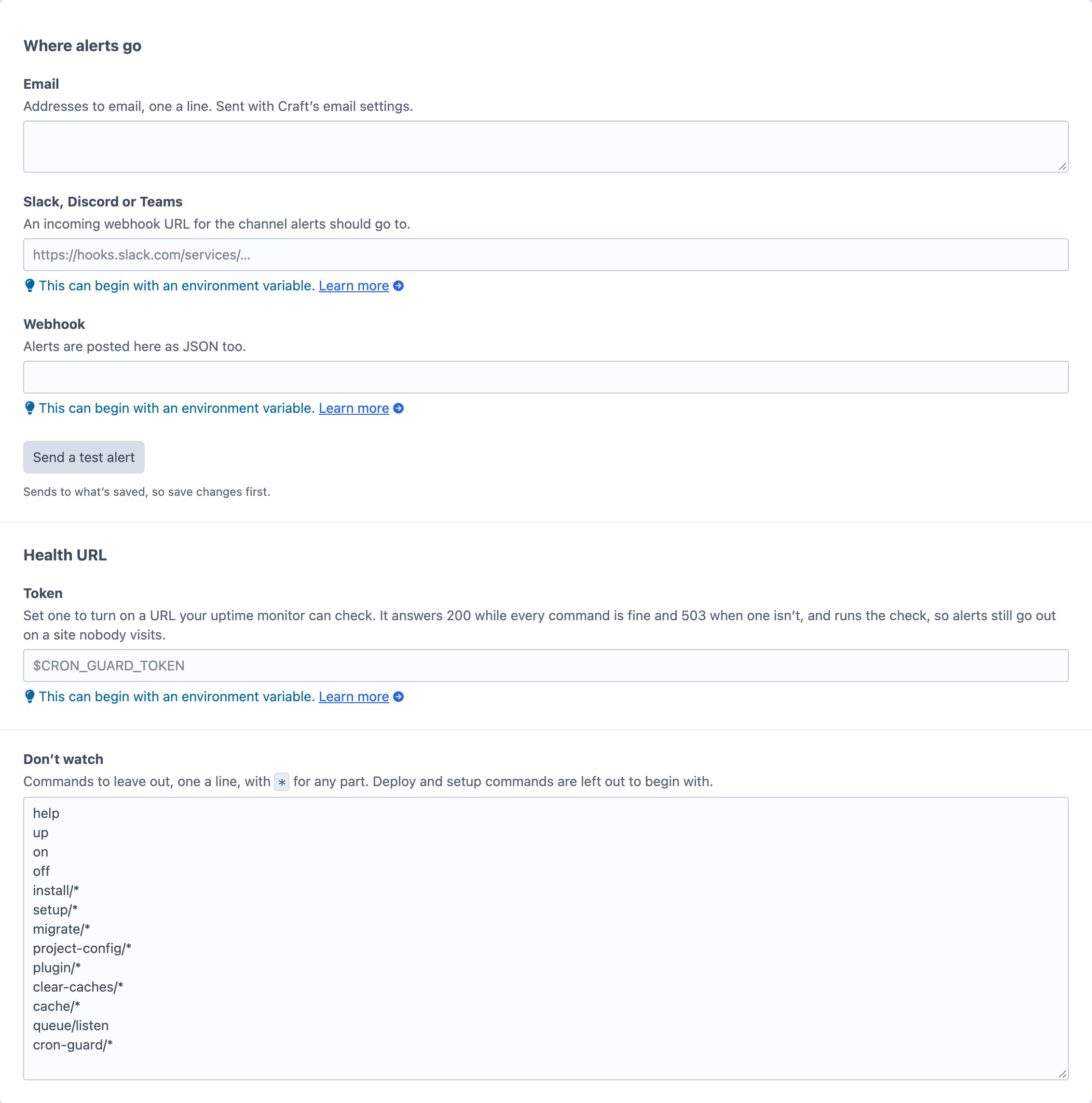
| Setting | What to enter |
|---|---|
| Addresses, one a line. Sent with Craft's own email settings. | |
| Slack, Discord or Teams | An incoming webhook URL for the channel. |
| Webhook | Any URL. Alerts are posted to it as JSON. |
Each field takes an environment variable, such as $SLACK_WEBHOOK_URL. Save, then click Send a test alert to check each one arrives.
With nothing filled in, alerts are written to Craft's log instead.
Check your crontab runs Craft commands
Cron Guard can only watch what cron runs. A typical crontab for a Craft site looks like this:
* * * * * cd /var/www/site && php craft queue/run
0 3 * * * cd /var/www/site && php craft gc
0 2 * * * cd /var/www/site && php craft feed-me/feeds/queue --id=3
Each command shows as Learning for its first four runs, then with its schedule.
Optional: an uptime monitor
If the site might go quiet for hours with no visitors and no commands running, set up the health URL in an uptime monitor too. It's how you hear about a dead crontab on a site nobody visits.